Google Drive integration
Sagar Anadkat
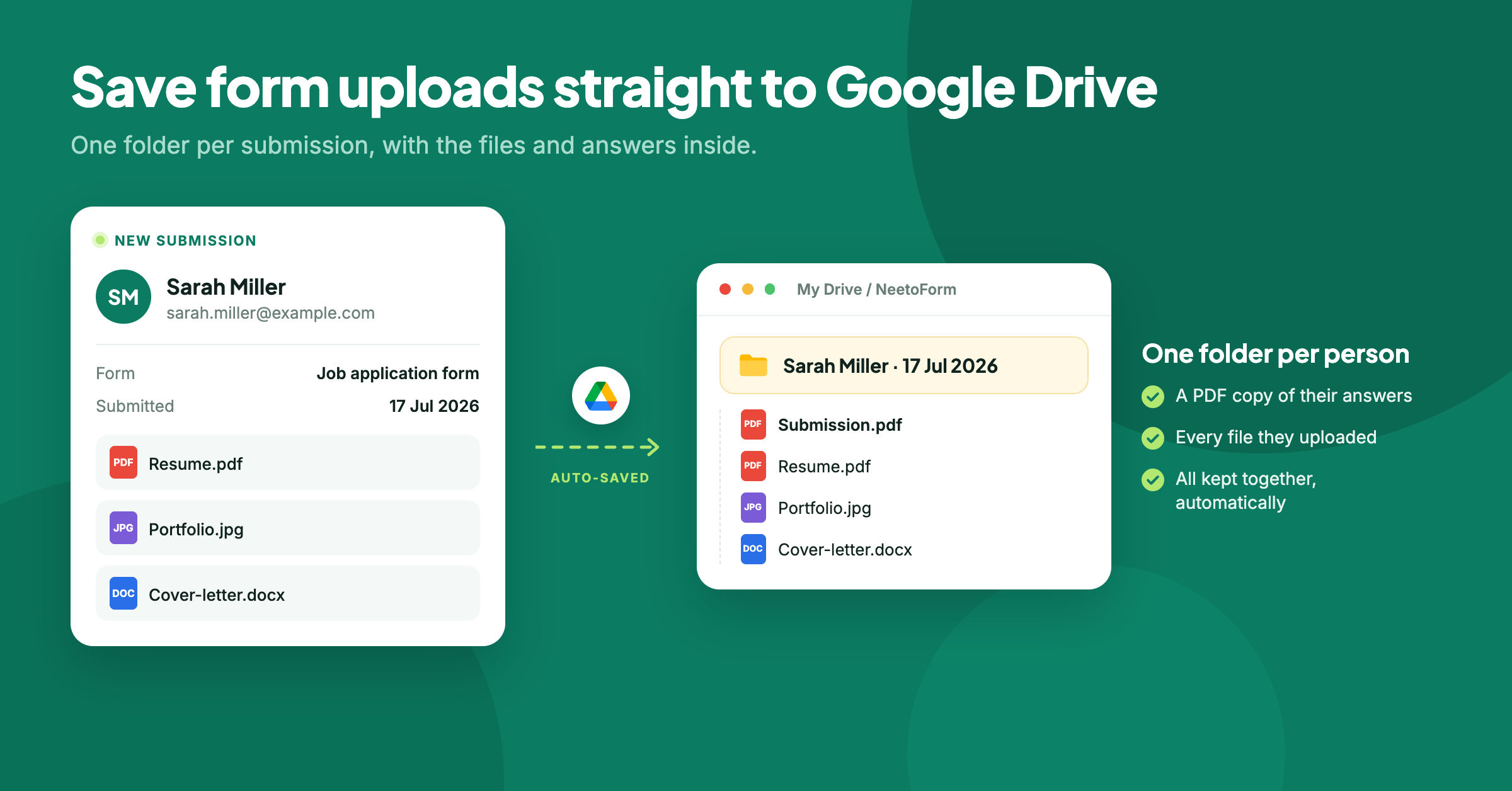
You can now connect a form to Google Drive. Every file someone uploads through the form is automatically saved to your Drive, along with a PDF copy of the submission, so the answers and files stay together.
Each submission gets its own folder, named using the fields you choose, such as the person's name and submission date. When you need to find something later, you can open the submission's folder instead of searching through submissions and downloading files one by one.
To learn more, read our help article.