Multi-step forms with page breaks
Sagar Anadkat
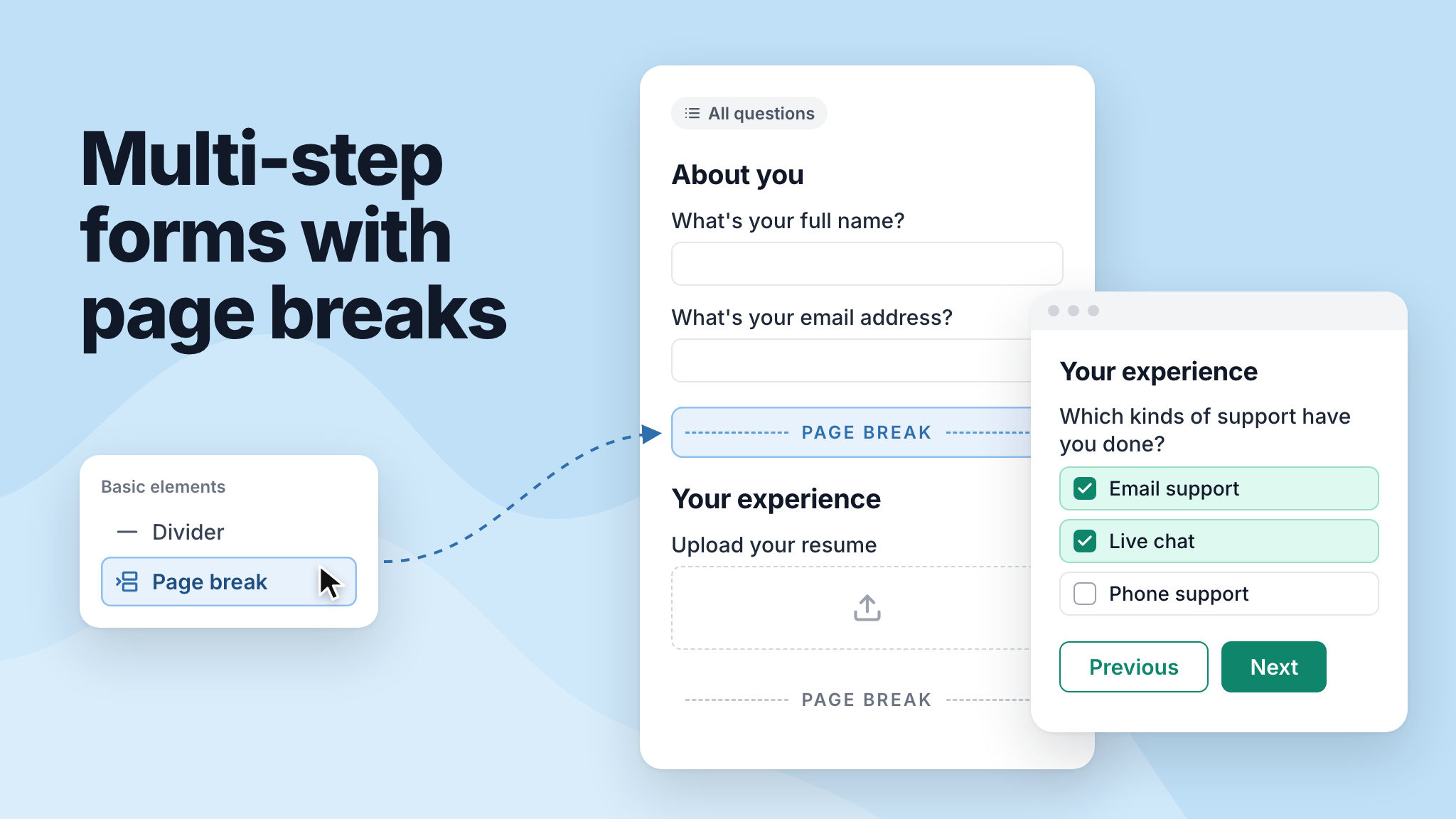
You can now split a long form into pages. Add a Page break element wherever you want a new page to start, and respondents will fill in one page at a time using the Next and Previous buttons.
NeetoForm checks the answers on each page before moving on, keeps answers when respondents go back, and skips any page where conditional logic hides every question. To see how it looks, try this example job application form.
To learn more, read our help article.