New customization options for Embedded form
.png)
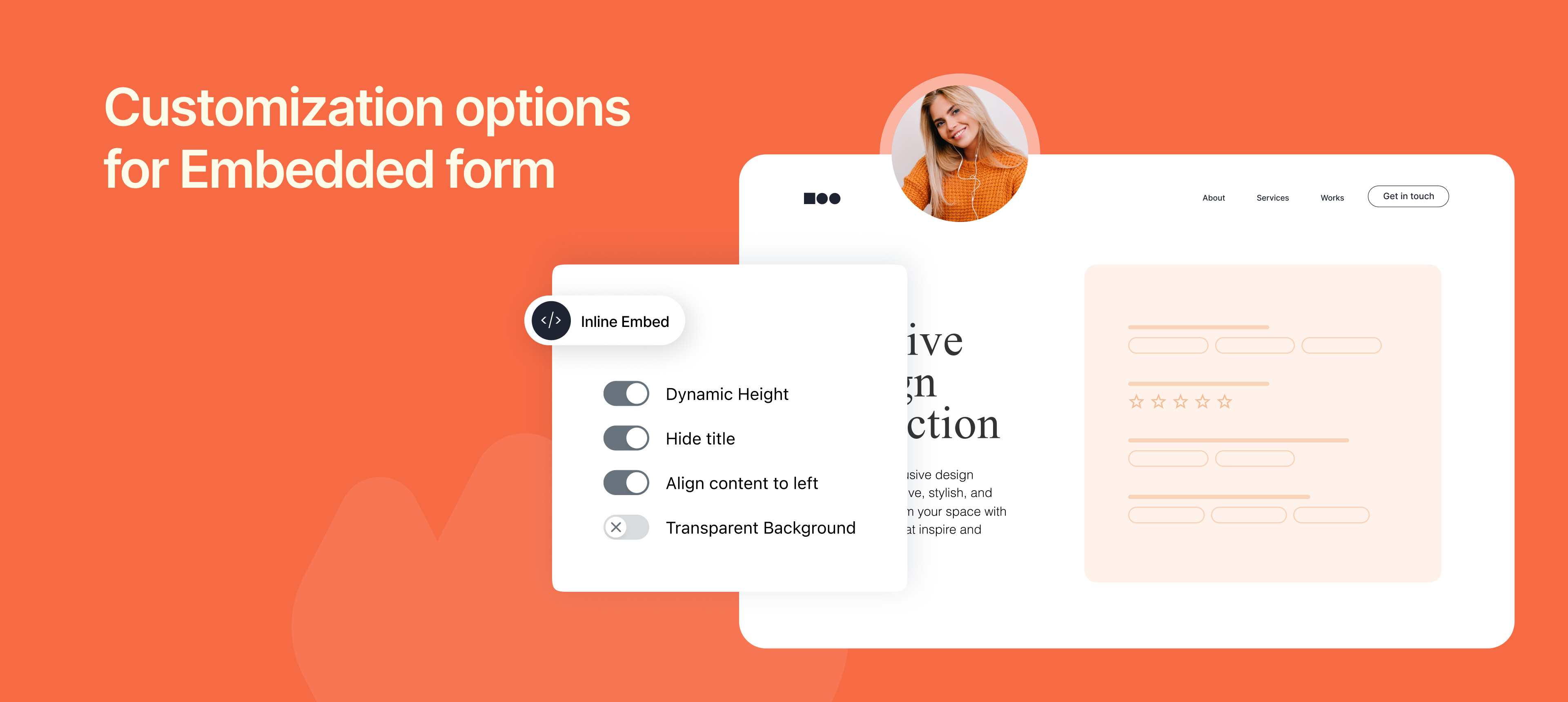
We've added new customization options in embedding that give you full control over how your embedded forms look and feel on your website. Now you can make your forms look more polished and feel like a natural part of your page, not a separate page.
Customization options
We've added four key options to help you customize your embedded forms. You can easily toggle these options on to see the embed code update instantly.
Dynamic Height
What it does: The form's height will automatically adjust to fit all of its content.
Hide Title
What it does: This removes the default form title from the top of the embed.
Align Content to Left
What it does: Removes the extra space (internal padding) around the form fields, pushing them to the far left edge of the container.
Transparent Background
What it does: Makes the embedded form's background transparent.
To learn about this feature, check our help article.