Product list
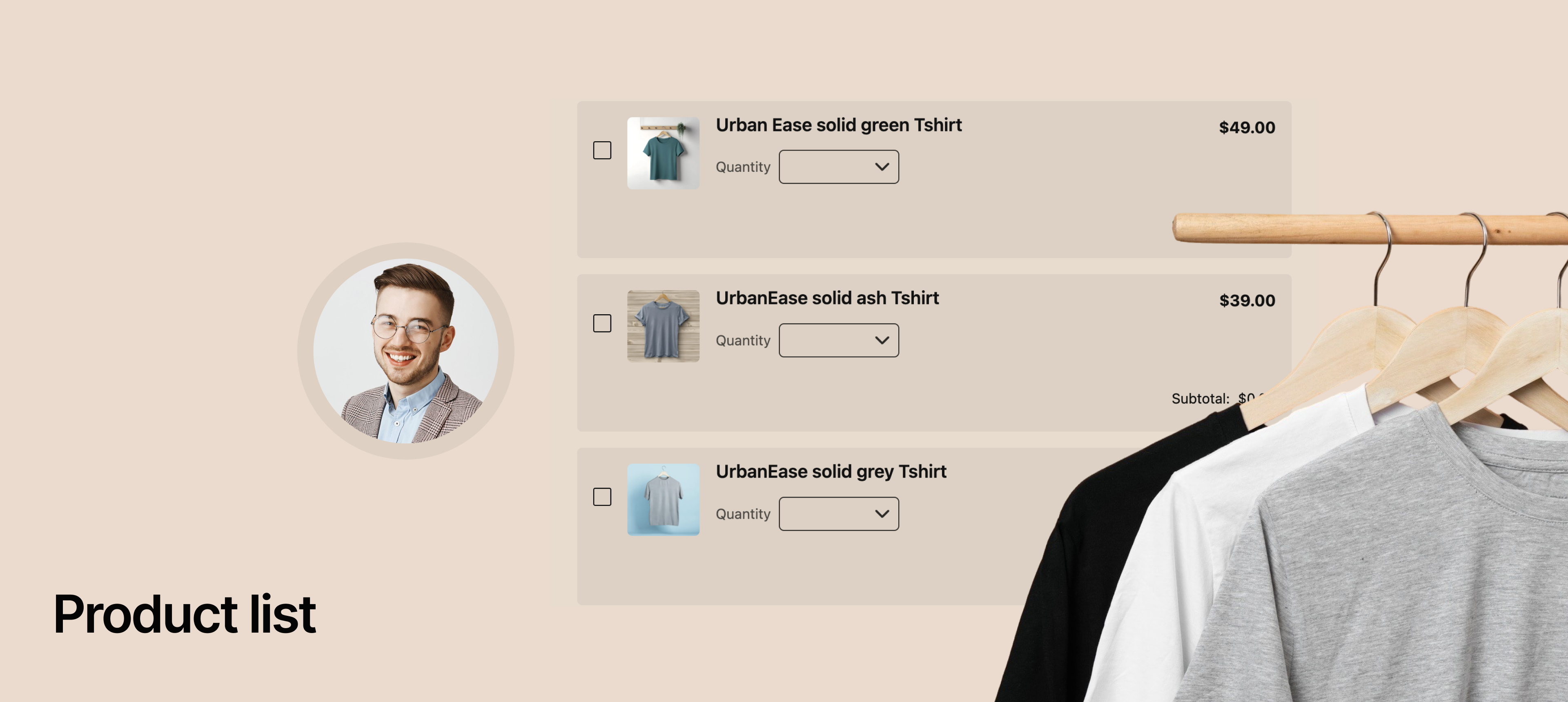.png)
We've added Product List feature, allowing you to easily set up simple online stores or sophisticated order forms directly within your NeetoForm.
Now, your customers can select products, choose custom options, adjust quantities, and see their total cost all before seamlessly moving to payment.
How this help you
Sell directly: Start taking orders for your physical or digital products without needing a separate e-commerce website.
Simple ordering: Create order forms for catering, custom services, or group purchases (e.g., uniforms, event tickets).
Instant totals: Give your customers a clear, immediate view of how much their order costs.
Example: You can use this to create a complete bakery cake order form, allowing customers to choose cake size (option), specify flavor (option), add a special note, and pay the final price right away. View the example form here
What's Included in the Product List
Add products: Easily list your items with a name, description, image, and price.
Product options: Create choices for your products, like different sizes (Small, Medium, Large) or colors (Red, Blue, Green) for a t-shirt.
Custom option pricing: Set different prices for specific options. For example, a "Large" size can automatically cost more than a "Small" size.
(Note: For now, you can set special pricing for one type of option on a product, and it will apply to all others for simplicity.)
Quantities: Give customers the ability to select how many of each item they want using a simple dropdown or text box. You can set limits (minimum/maximum) on quantities.
Automatic calculations: The form instantly calculates the subtotal for each item and the grand total for the entire order.
Currency and payments: Select your preferred currency, and the calculated total will be automatically passed to your connected payment gateway (like Stripe or Razorpay) for quick and easy checkout.
To learn more about this feature, check our help article.